01
Find the click
On paper a mouth click and a hard consonant’s release are the same event: 1.27 milliseconds against 1.38, both around 25 dB under the voice. Separating them means listening closely to what comes after it.
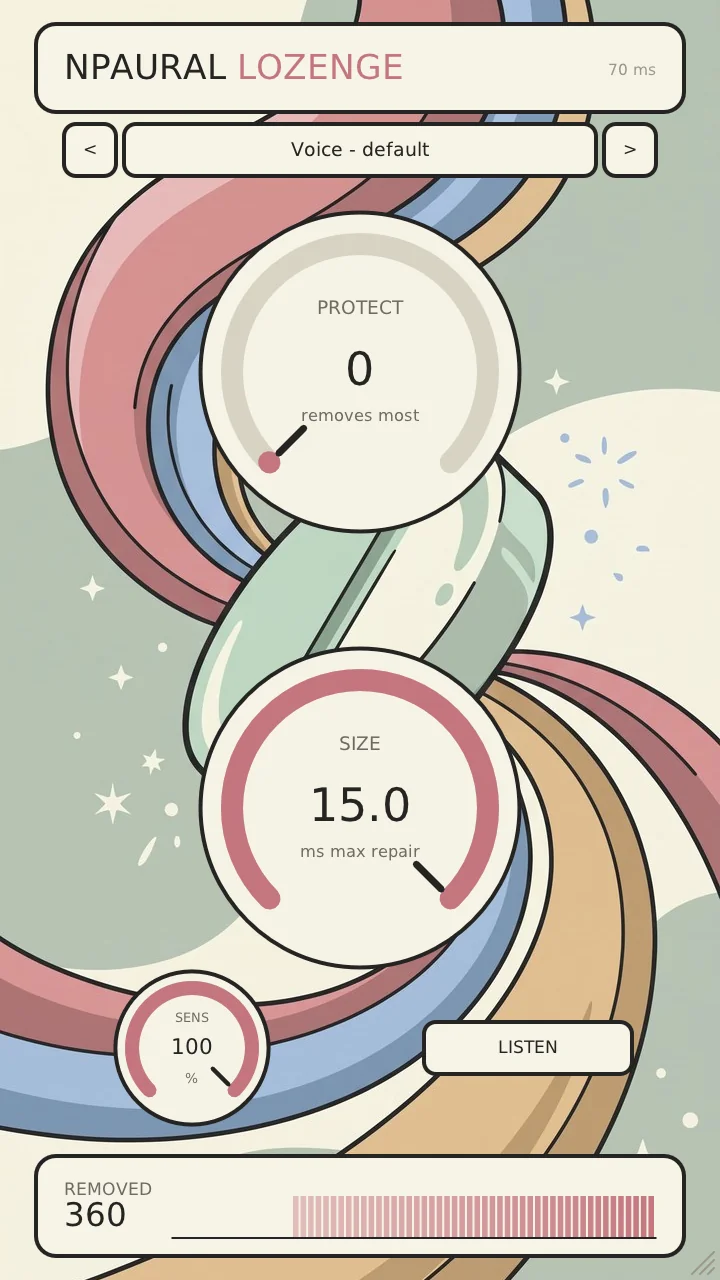
Three knobs - Protect, Size, Sens - and 7 presets to start from. Three knobs do the same work as many expensive declickers.
De-clicking is normally done by hand or with expensive specialized software - Lozenge does the same work with one render through it, or live while you record.
What puts people off a declicker is it eating their Ts. Lozenge tells them apart automatically.
On paper a mouth click and a hard consonant’s release are the same event: 1.27 milliseconds against 1.38, both around 25 dB under the voice. Separating them means listening closely to what comes after it.
How far the audio around a click has to fall, relative to the click itself, before anything is removed. Turned up, less is removed; turned down, it catches more clicks while reaching more into running speech.
What comes out is chosen to minimise the prediction error of the speech either side, so the hole gets the voice that was going to be there.
One button plays what is being removed instead of what is left. Ticks mean it is working; speech means turn Protect up. What it plays and what it keeps add back up to exactly the input.
Numbers
Voice - default · Careful - keep every T · Sung vocal · Audiobook - close mic · Watery clicks · Listen to what goes · Off - straight through
Get it
No account, no email, no licence key.
More plugins
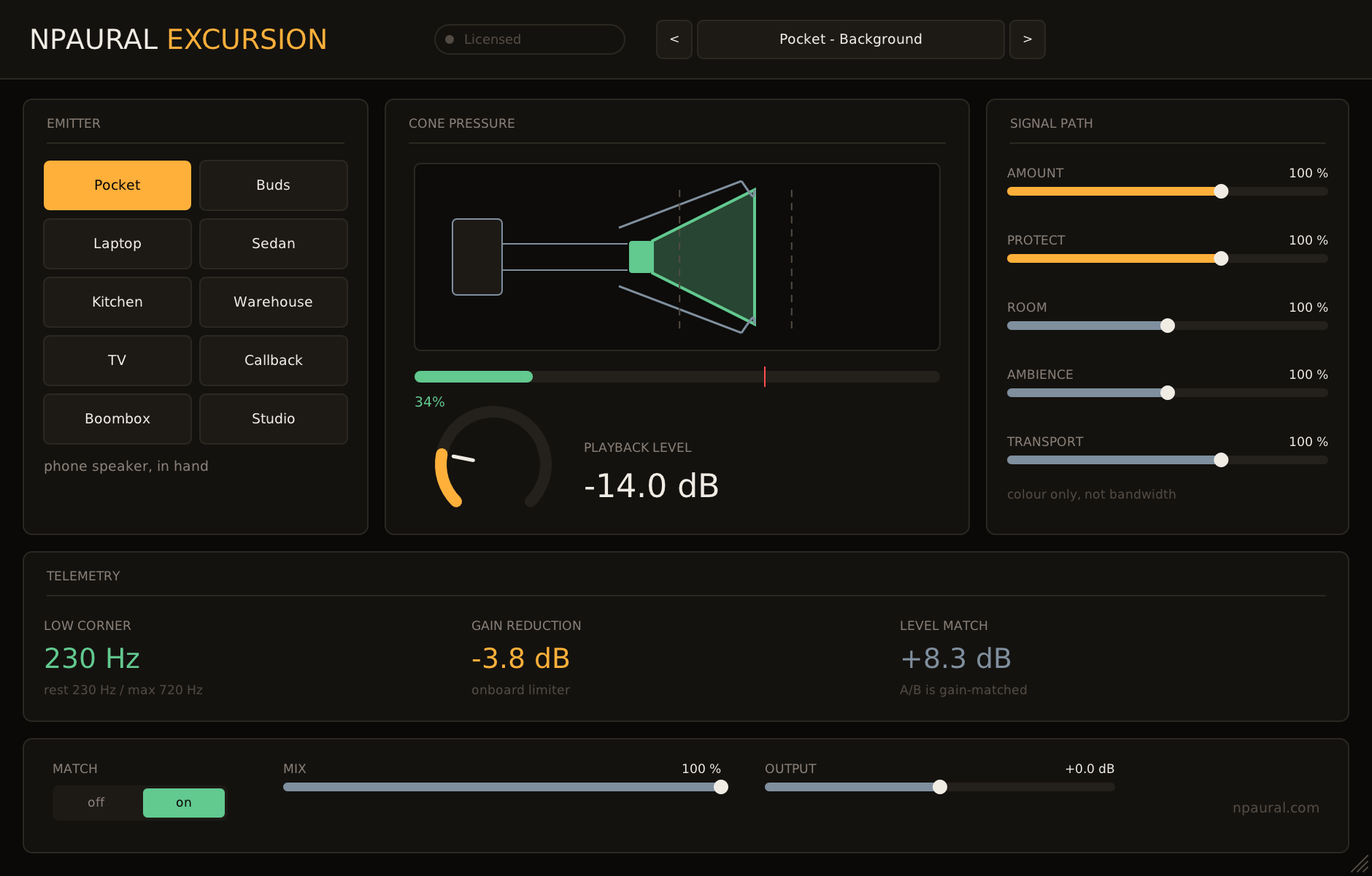
Plays your track through a speaker too small for it.
€39/VST3 · CLAP · AU
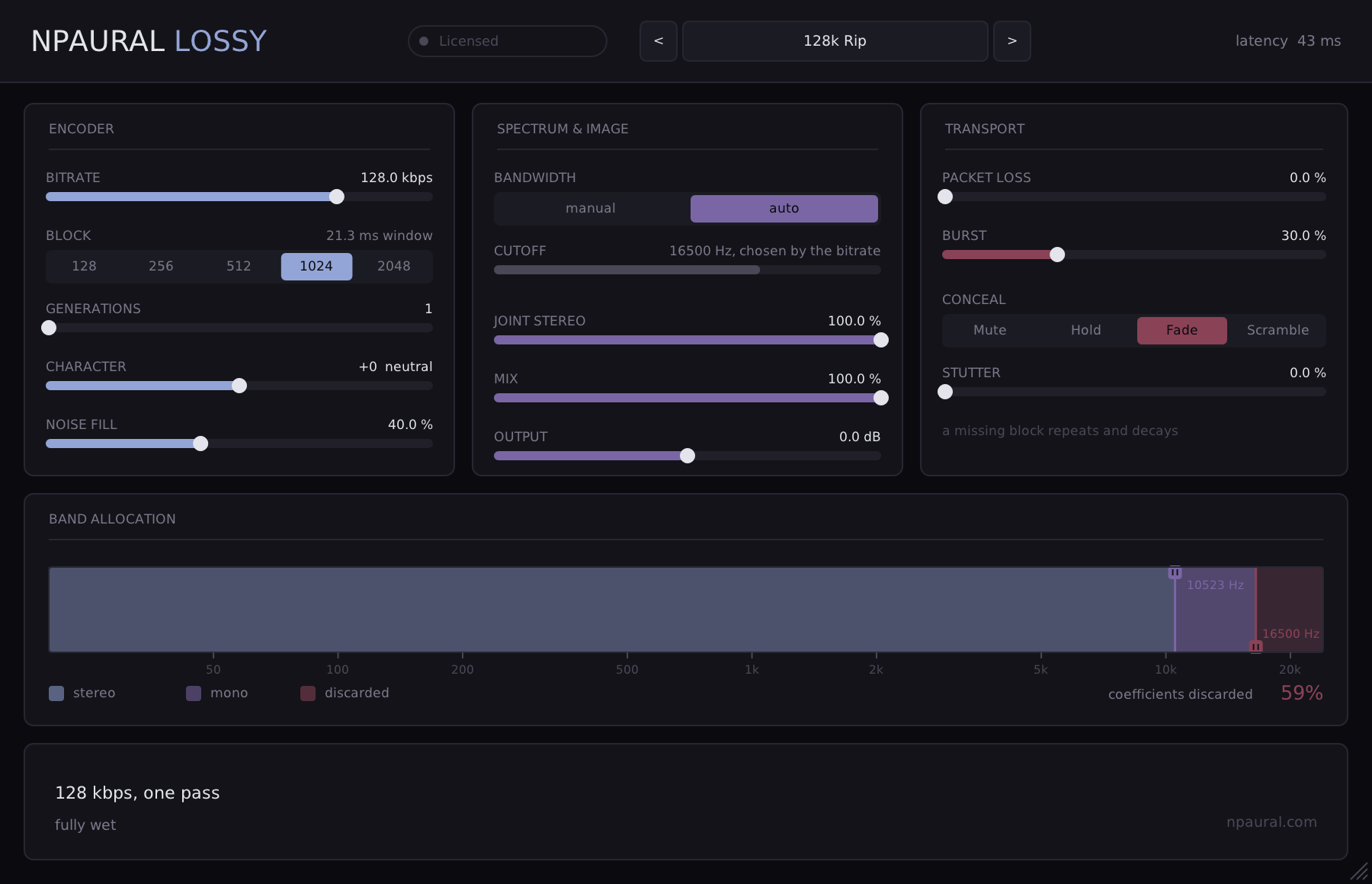
Audio compression you can starve until it breaks.
€29/VST3 · CLAP · AU
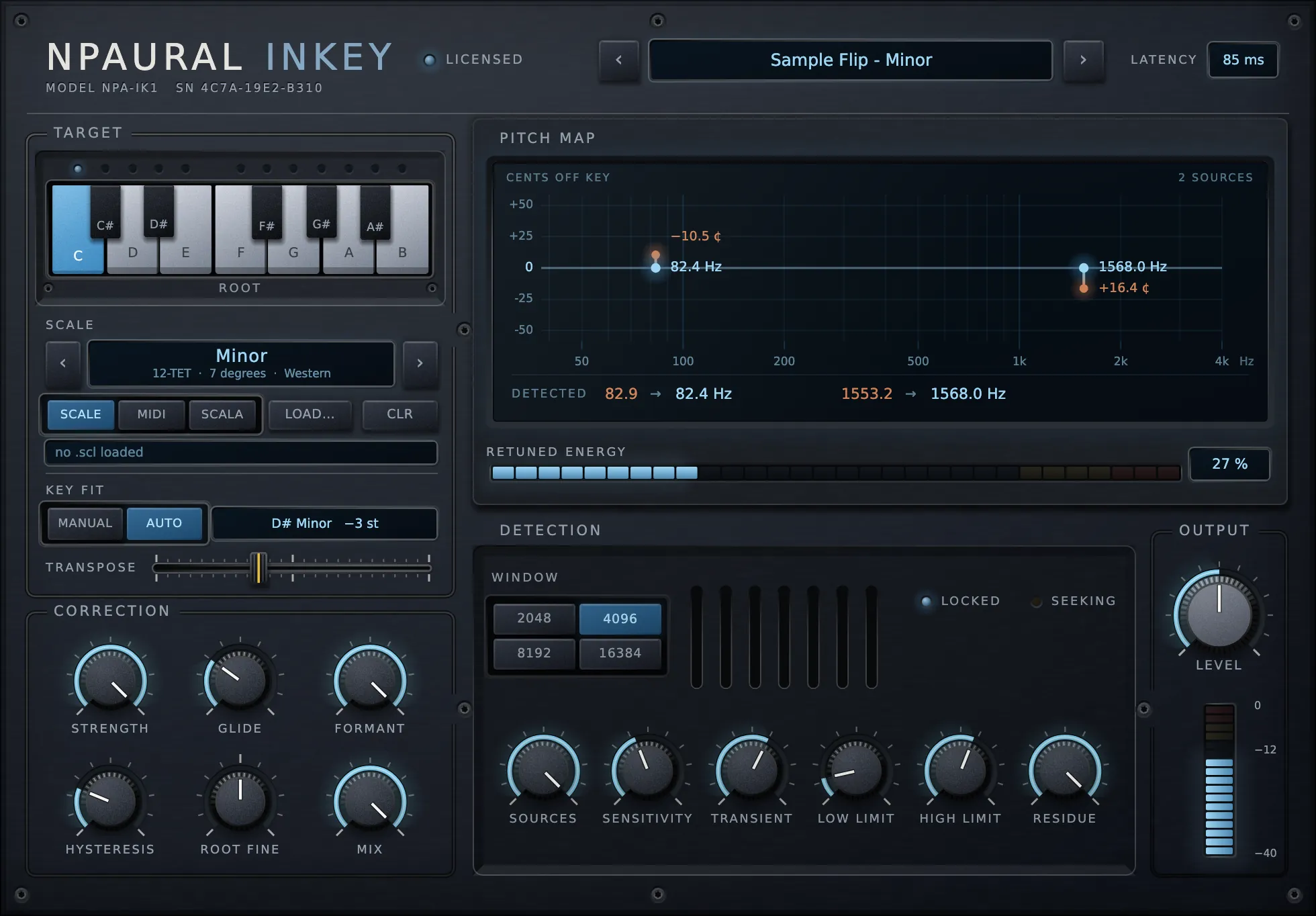
Retunes a sample into your key while it plays, chords intact.
€39/VST3 · CLAP · AU
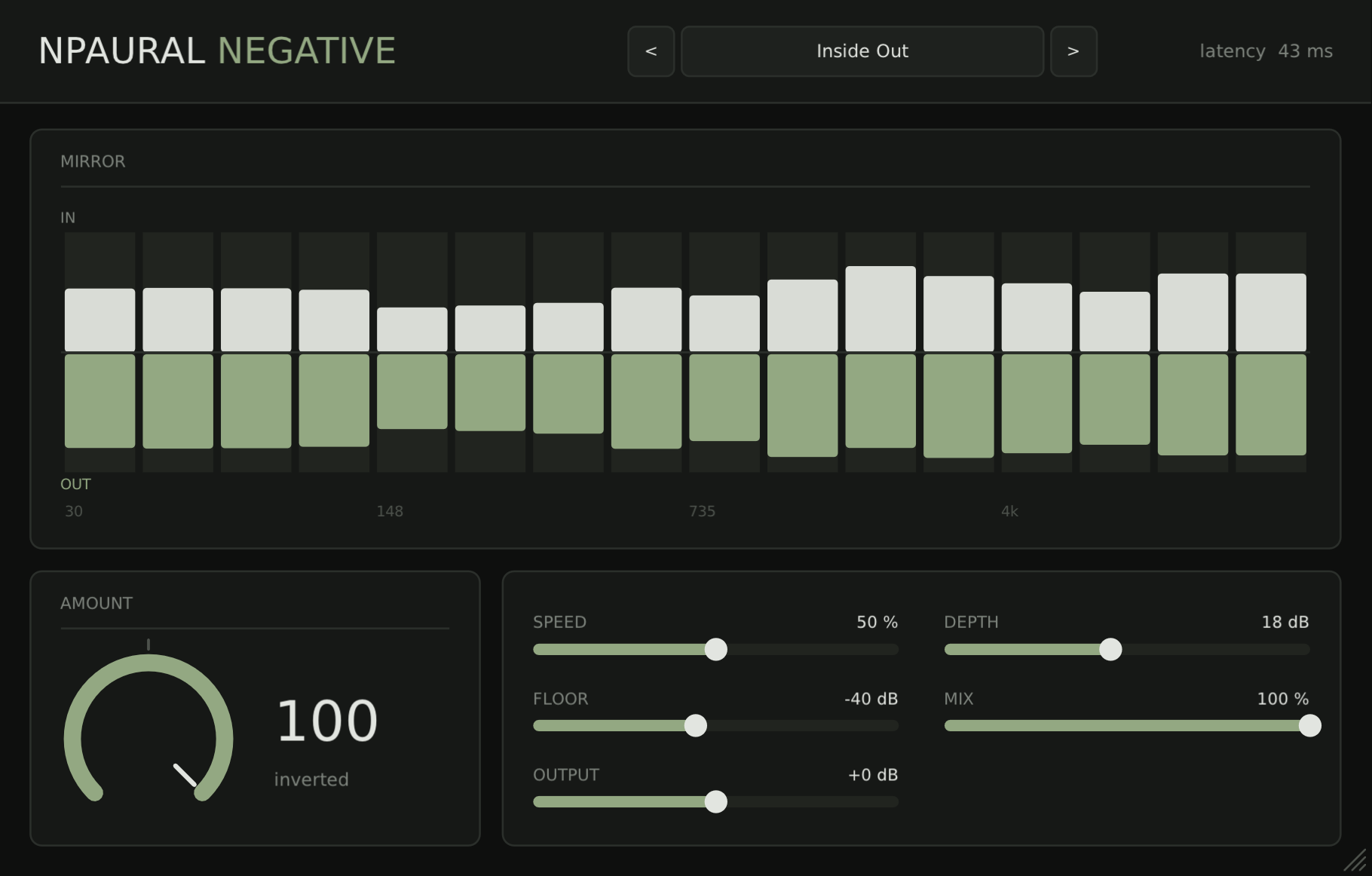
Inverts a mix's dynamics band by band, so what sat between the hits becomes the loudest thing in it.
Free/VST3 · CLAP · AU · LV2
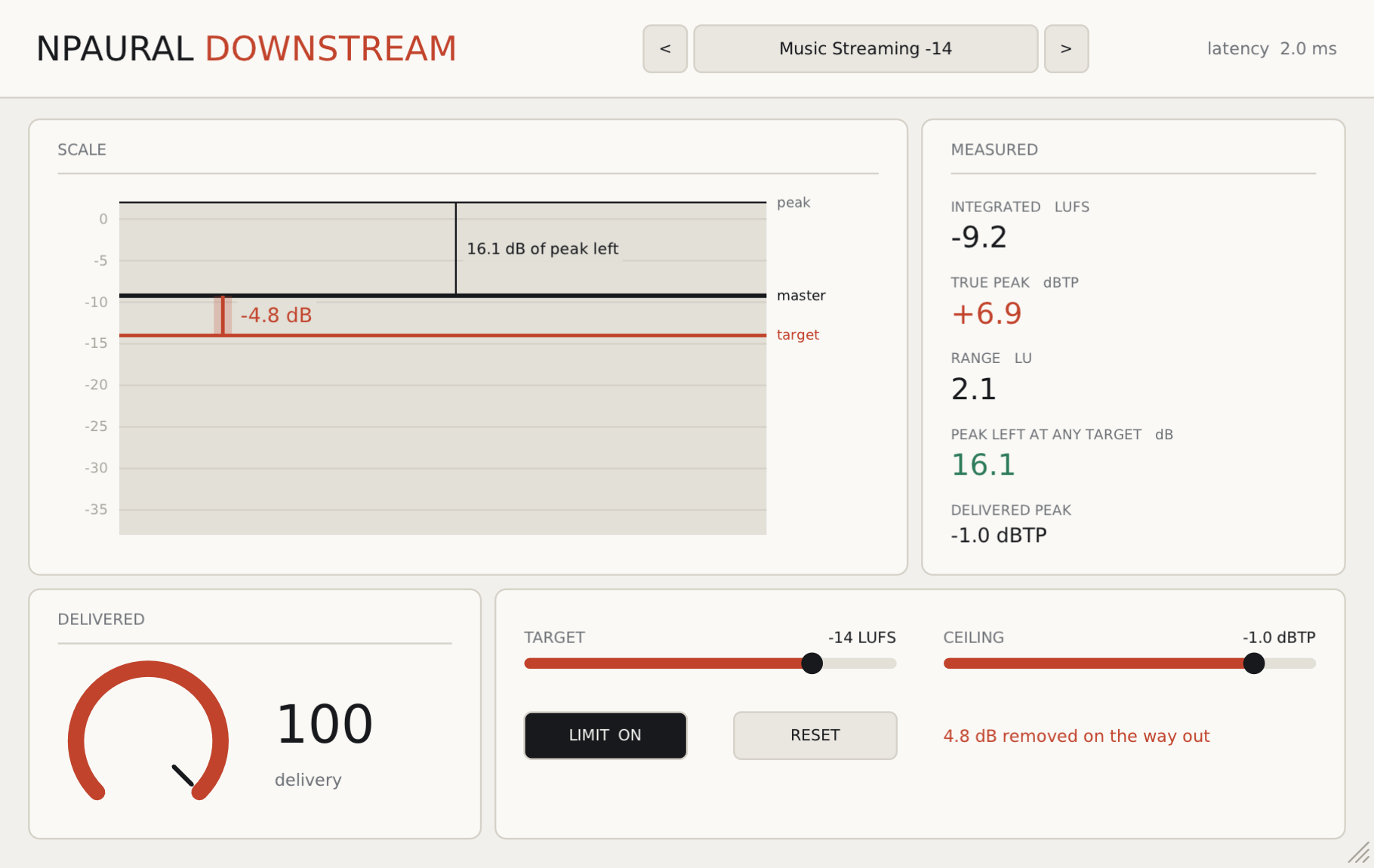
Applies the loudness a delivery target implies, so you hear what the listener gets instead of a number.
Free/VST3 · CLAP · AU · LV2
Lozenge is free and unlicensed: it asks for no address, creates no account, and reports nothing to any server. Audio is processed on your machine and never leaves it. It is an audio repair tool: nothing about it is a medical device, a diagnosis, or advice about anyone’s voice or health. No product, company or service is named, matched to, or compared with anywhere in this plugin. The repair method is described in published literature from 1986 and implemented here from that description rather than from anyone’s source.